Start with browsing
Start here if you want to shop like a buyer.
Open the marketplace and pick a product.
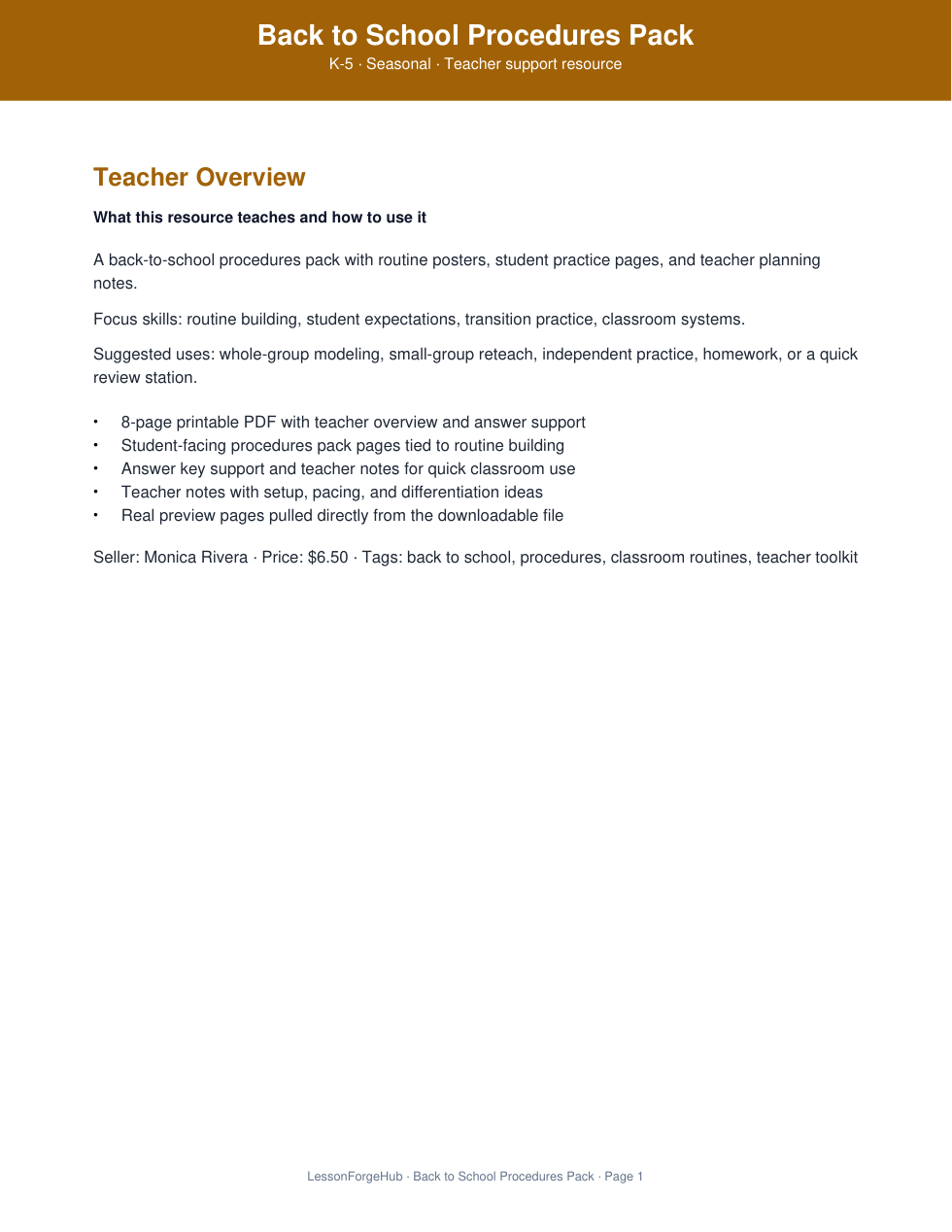
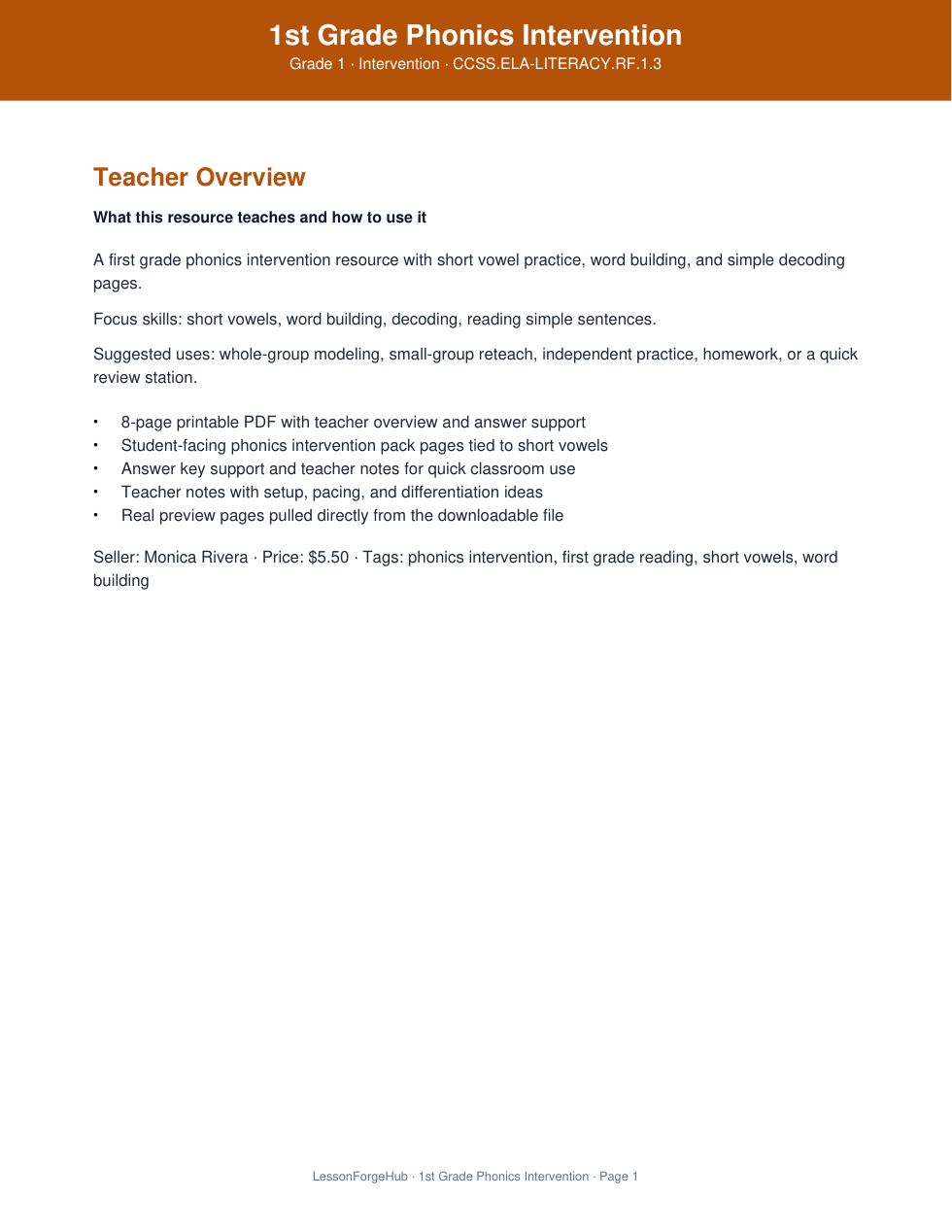
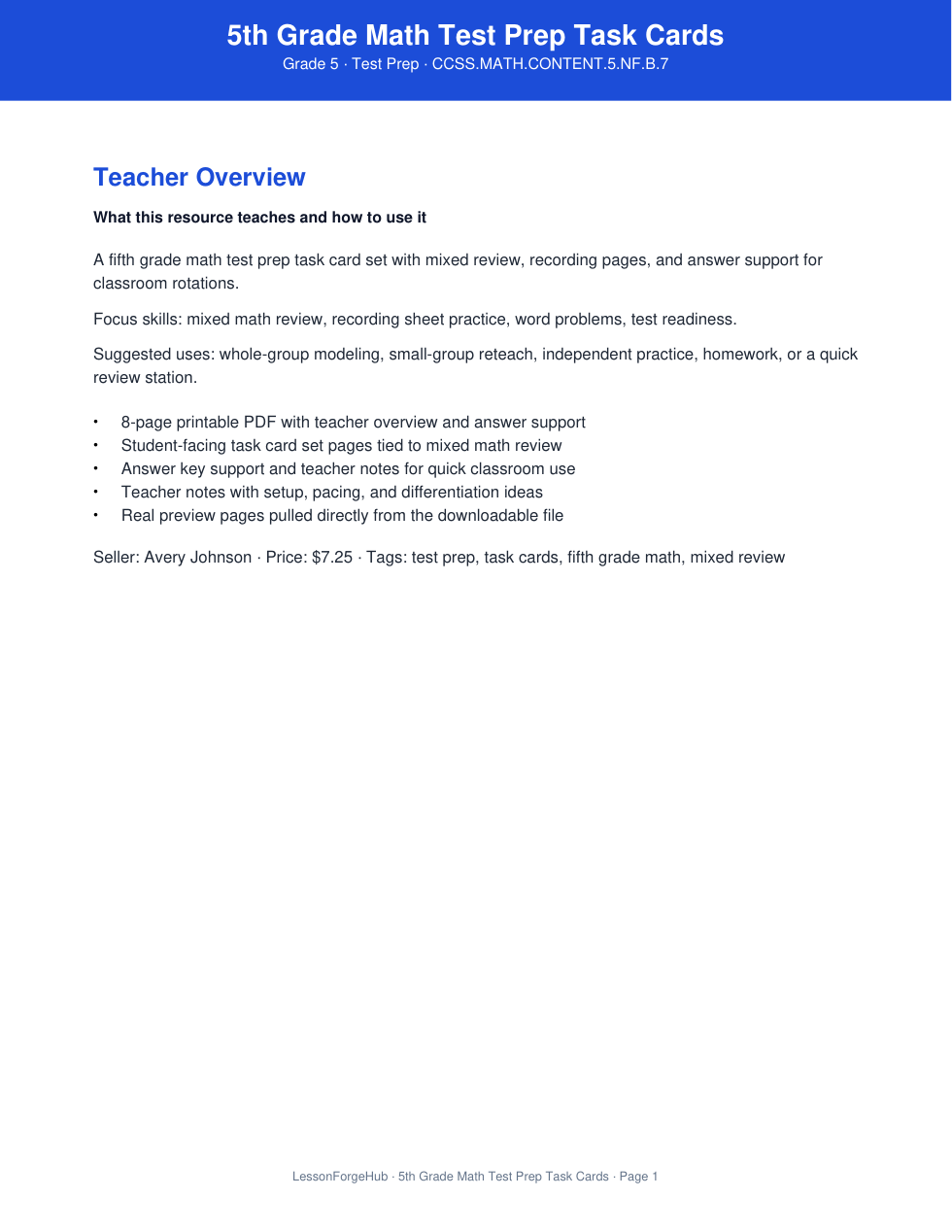
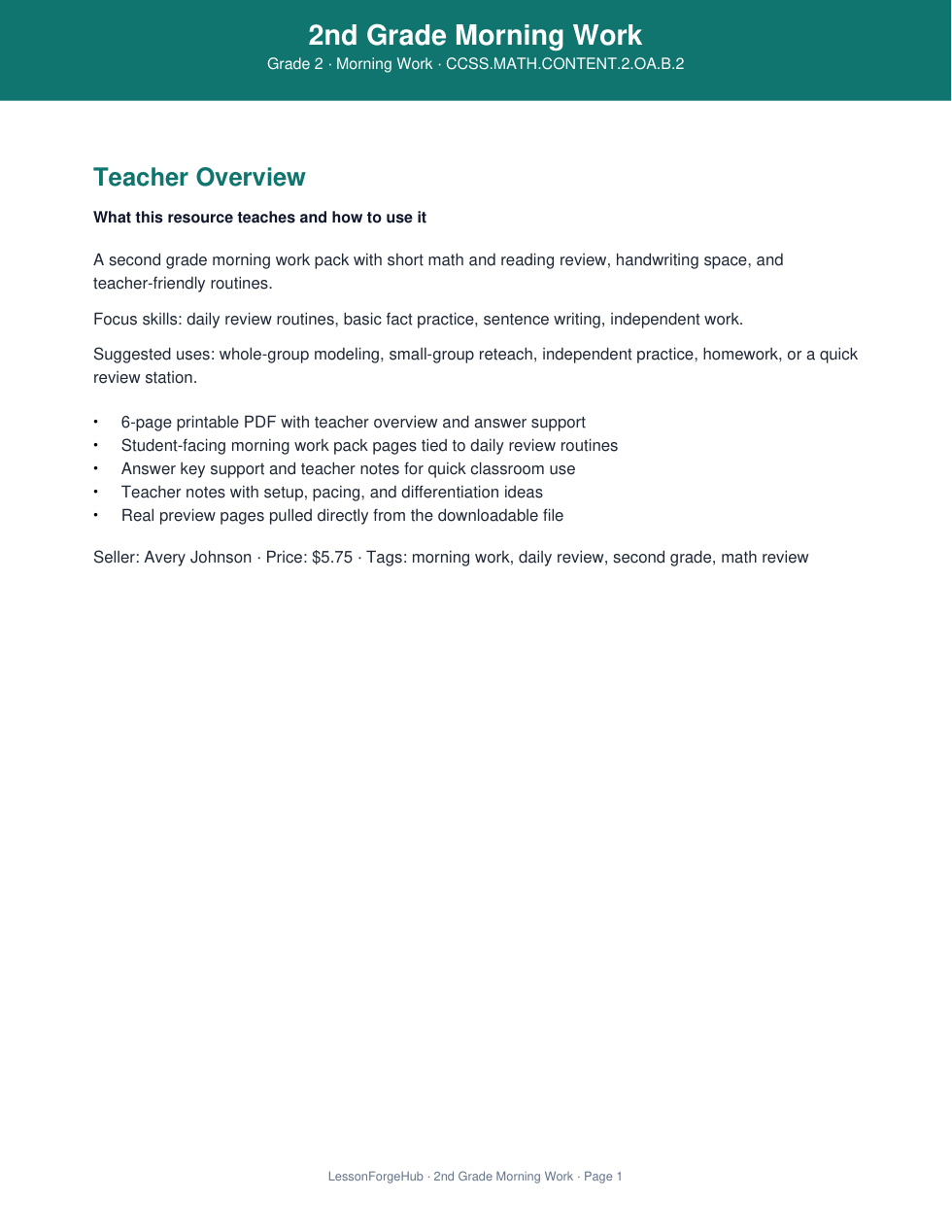
Open the product page and inspect the preview pages.
Buy it, then reopen it from your library.
LessonForge
Loading
We are loading the next page now. This usually means we are preparing product details, dashboard data, or the next step in the flow.
LessonForge
Browse like a buyer, step through the seller workflow, and understand how the main parts of the marketplace connect.
If you click Marketplace first
Open a listing, check the preview, and see how saved items and checkout work.
If you click Sell first
Connect payouts, create a listing, and see how seller setup turns into a buyer-ready product.
What is inside
Guided paths
Each path shows the shortest route from the first click to the finished result.
Start here if you want to shop like a buyer.
Open the marketplace and pick a product.
Open the product page and inspect the preview pages.
Buy it, then reopen it from your library.
Start here if you want to go from setup to a live product.
Open the seller area and connect payouts.
Create a product with the core listing details.
Clear blockers until the listing is ready for buyers.
Start here if you want one signed-in home for buying, selling, and follow-up.
Open your account overview and check purchases, saved items, or seller progress.
Jump into the library, saved items, or seller dashboard from one place.
Use it as your fastest way back into the right part of the site.
Start Here
If you already know where you want to go, use one of these quick links.
Open the buyer catalog and start viewing listings right away.
Browse buyer catalogOpen the seller workspace and move into payouts, listings, and fixes.
Open seller workspaceOpen the signed-in buyer side for saved comparisons, purchases, and account follow-up.
Open account overviewHow It Works
Think of the site as one simple flow from start to finish.
Buyers start in the marketplace. Sellers start in onboarding or product creation.
Preview the listing, compare your options, or move a seller listing closer to buyer-ready.
Saved items, purchases, dashboards, and follow-up actions all connect back into the flow.
Browse By Subject
Subject browsing fills in naturally as sellers publish their own materials. The clearest next step is creating the first real listing so buyers have something real to browse.
Start with one real upload
Once the first published resources are live, buyers can browse by subject and the marketplace starts to feel real.
Why It Feels Launch-Ready
These are the concrete trust signals that make LessonForge feel more like a real marketplace and less like a simple catalog.
Buyer trust
Buyers can inspect previews, review listing detail, and compare seller trust signals before deciding to check out.
Seller payouts
LessonForge is being built so buyer payments and seller payout setup run through Stripe instead of improvised manual payment steps.
Marketplace control
The website already includes buyer support flows, refund requests, and report handling so marketplace trust does not depend on email alone.
Pricing
Start free, upgrade when you want stronger payouts, more AI support, and better seller tools.
$0/month
Best for first time sellers who want to launch one product and test demand before upgrading.
Keep more
50% seller payout
Publish
1 active listing
AI support
5 one-time AI credits
Best for
Trying your first listing before committing to a paid plan.
Useful for testing one listing, but intentionally limited.
Most popular for growing sellers
$19/month
Best for active classroom sellers who want stronger payouts, more AI support, and enough tools to publish consistently each month.
Keep more
60% seller payout
Publish
10 active listings
AI support
100 AI credits each billing cycle
Best for
Consistent monthly publishing with better payout and better optimization tools.
Smartest choice for most sellers who want better payout and room to grow.
Best value for serious sellers
$39/month
Best for serious sellers who want the strongest payout, the deepest AI support, and priority tools to grow faster.
Keep more
70% seller payout
Publish
50 active listings
AI support
300 AI credits each billing cycle
Best for
Heavier selling with the strongest payout and most support.
Built for serious sellers who want the strongest payout and the deepest support.
Why paid plans feel stronger
Starter keeps the door open, but Basic and Pro are built to help sellers publish more, keep more from every sale, and use stronger AI support without hitting limits so quickly.
FAQ
No. The site is set up so you can browse the marketplace, open listings, and understand the main product flow before signing in.
What To Open Next
Open the part of the site you need next.
Browse listings, open products, and preview resources.
Go to marketplaceReview listings, onboarding, and seller next steps.
Go to seller dashboardReopen purchases, saved items, seller progress, and the next thing you need to do.
Go to account overview